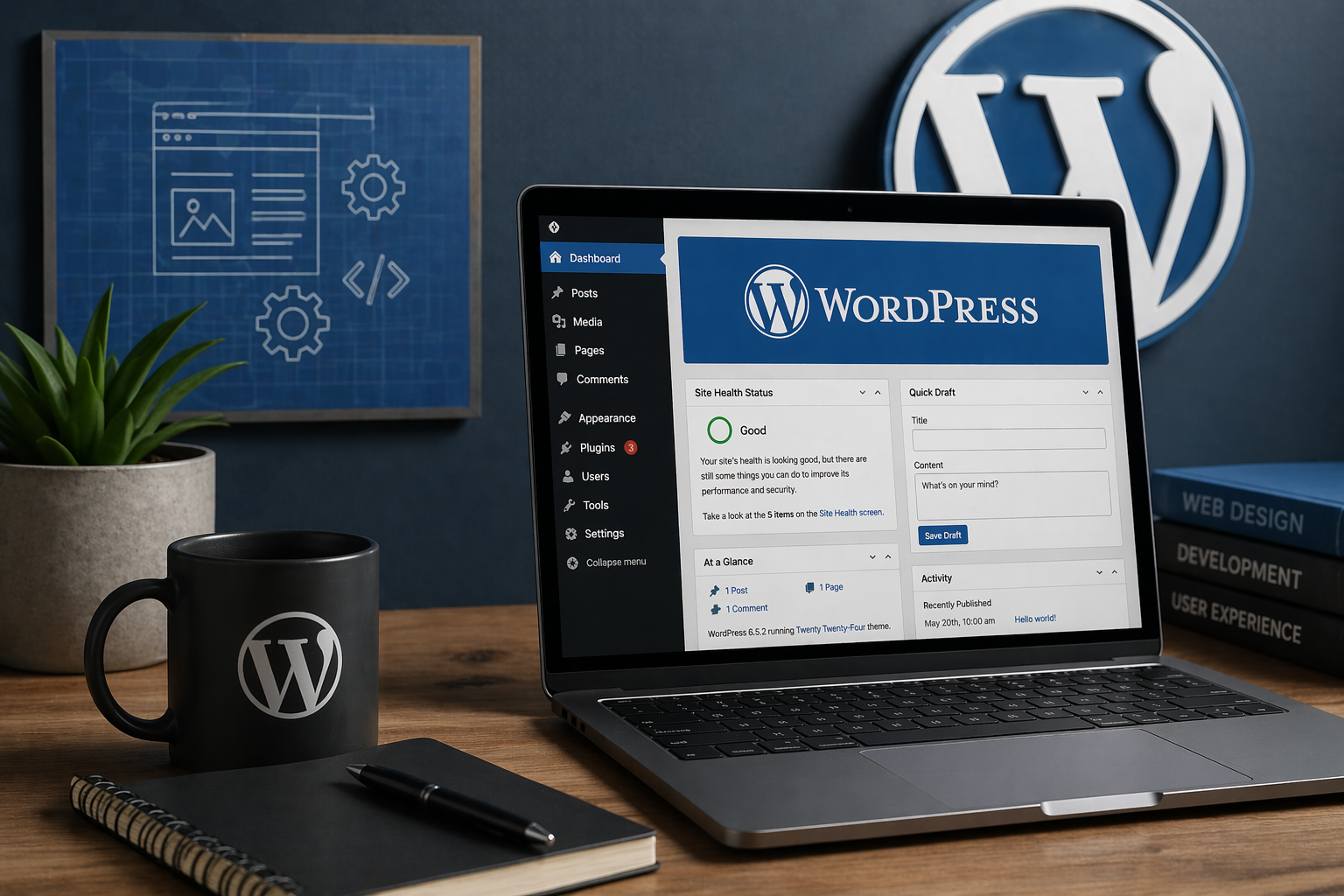
Overview
WordPress is a widely used content management system (CMS) designed to simplify website creation and publishing. It powers a significant portion of the web and is often the default choice for small businesses, blogs, and even some enterprise use cases.
On paper, WordPress offers flexibility, a massive plugin ecosystem, and ease of use. In practice, it can either be a highly effective platform—or a maintenance burden—depending on how it’s implemented.
This is not a marketing review. This is based on practical use, deployment, and long-term support considerations.
Where It Fits Well
WordPress works best in environments that have:
- Content-driven websites (blogs, informational sites, marketing pages)
- A need for non-technical users to manage content
- Limited custom application logic
- A willingness to follow best practices around updates and security
Ideal Use Cases
- Small business websites
- Personal or professional blogs
- Marketing and landing pages
- Simple service-based company websites
Where It Falls Apart
WordPress is often stretched beyond what it should be used for.
It tends to struggle when:
- It is treated like a full application platform
- Too many plugins are installed without oversight
- Security and updates are neglected
- Performance is not actively managed
Situations to Avoid
- Highly custom web applications
- Systems requiring strict security or compliance without proper controls
- Environments where no one is responsible for maintenance
- Over-engineered builds with dozens of plugins doing overlapping functions
Real-World Experience
WordPress is easy to get started with, but long-term success depends on discipline.
What Worked
- Rapid deployment of functional websites
- Easy content management for non-technical users
- Large ecosystem of themes and plugins
- Strong community support and documentation
What Didn’t
- Plugin bloat leads to performance and security issues
- Updates can break functionality if not tested
- Inconsistent quality across plugins and themes
- Poor implementations become difficult to maintain over time
Technical Notes
Deployment
- Setup complexity: Low to Moderate
- Time to initial value: Hours to a few days
- Dependencies: Web server (Apache/Nginx), PHP, database (MySQL/MariaDB)
Integration
- Large plugin ecosystem for integrations
- REST API available for custom integrations
- Advanced use cases often require custom development
Operational Considerations
- Maintenance overhead: Moderate (updates are critical)
- Upgrade complexity: Can be risky without staging/testing
- Backup strategy: Essential (files + database)
- Security: Requires active management (patching, hardening, limiting plugins)
Alternatives Worth Considering
Depending on your needs, you may be better off with:
- Static site generators – For performance-focused, low-maintenance sites
- Headless CMS + custom frontend – For modern, scalable architectures
- Website builders (Wix, Squarespace) – For very simple, hands-off use cases
Final Verdict
Recommendation: Strong (with boundaries)
WordPress is an excellent tool when used for what it was designed to do: content-driven websites. It becomes a liability when overextended or poorly maintained.
It is a good fit if:
- You need a flexible, content-managed website
- You want a large ecosystem of themes and plugins
- You have someone responsible for updates and maintenance
It is not a good fit if:
- You’re building a complex application
- You want zero maintenance responsibility
- You rely heavily on unvetted plugins
Bottom Line
WordPress is not inherently good or bad—it reflects how it’s implemented. With discipline, it’s reliable and effective. Without it, it quickly becomes unstable and difficult to manage.
Need Help Implementing or Managing WordPress?
If you’re planning a new site or struggling with an existing one:
- Website design and deployment
- Performance and security optimization
- Hosting and ongoing maintenance
- Cleanup and stabilization of problem sites
→ Contact us at https://mcguire.technology/contact
Leave a Reply